
# md-editor-v3
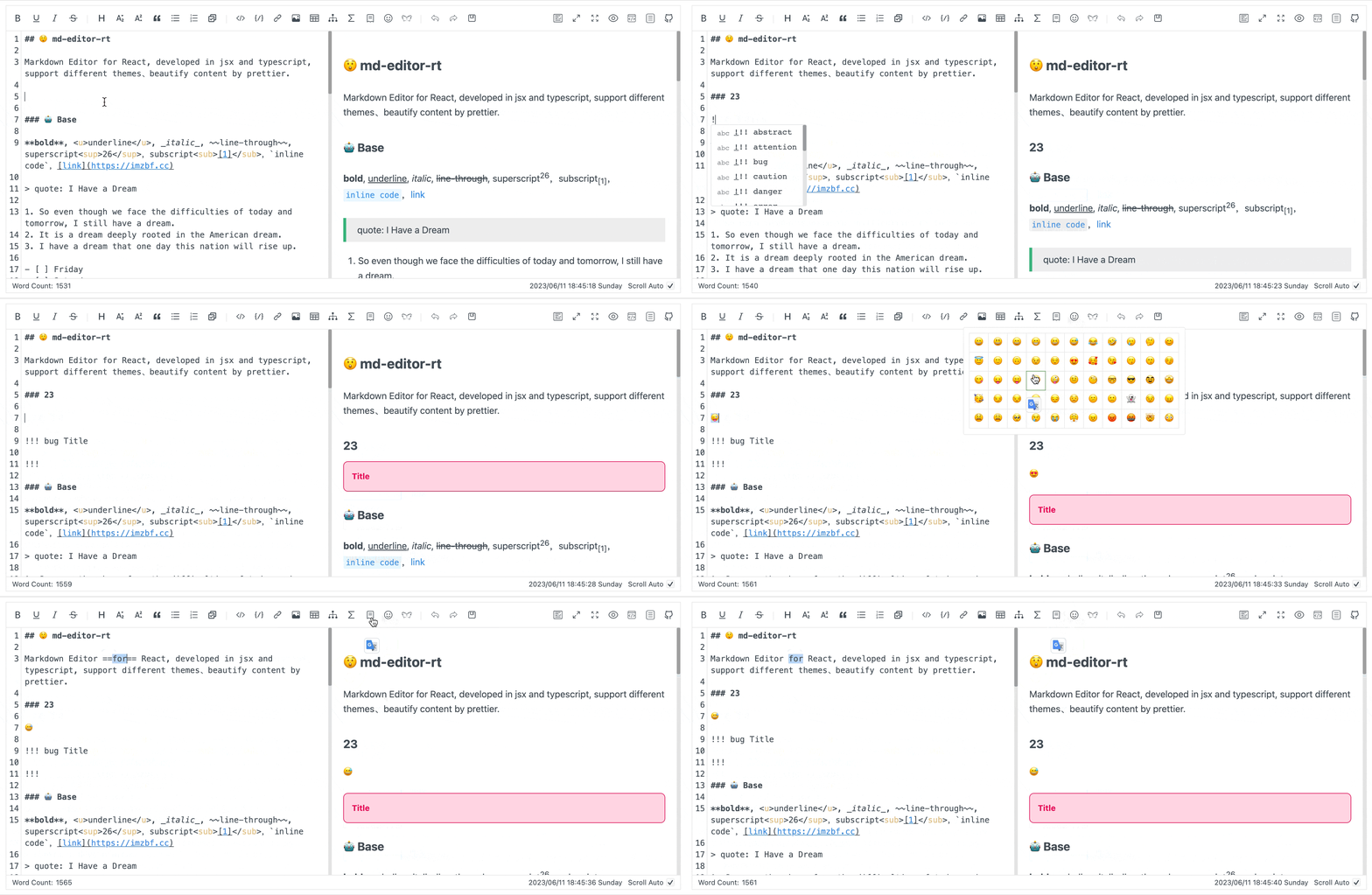
Markdown编辑器Vue3版本
官网地址:https://imzbf.github.io/md-editor-v3/zh-CN
# 安装
npm
npm install md-editor-v3
pnpm
pnpm add md-editor-v3
# 全局注册
在main.js
// 使用文档:https://imzbf.github.io/md-editor-v3/zh-CN/demo/
import { MdEditor,MdPreview } from 'md-editor-v3';
import 'md-editor-v3/lib/style.css';

const app = createApp(App)
app.component('MdEditor', MdEditor)
app.component('MdPreview', MdPreview)
# 使用
# 编辑
<template>
  <MdEditor v-model="text" />
</template>

<script setup>
import { ref } from 'vue';
const text = ref('Hello Editor!');
</script>
# 仅预览
<template>
  <MdPreview :id="id" :modelValue="text" />
</template>

<script setup>
import { ref } from 'vue';
const id = 'preview-only';
const text = ref('# Hello Editor');
</script>
更多用法请参考文档说明~
# 进阶用法
在 MdEditor 编辑器里用鼠标选中一段文本 → 自动触发你的事件(而不是点按钮)。
思路: 监听编辑器容器的 mouseup(或 keyup),然后调用 getSelectedText()
👉 鼠标选中 + 松开时触发
<template>
  <div @mouseup="handleMouseUp">
    <MdEditor
      ref="editorRef"
      v-model="text"
    />
  </div>
</template>

<script setup>
import { ref, nextTick } from 'vue'
import { MdEditor } from 'md-editor-v3'
import 'md-editor-v3/lib/style.css'

const editorRef = ref(null)
const text = ref('')

const handleMouseUp = async () => {
  await nextTick()
  const selectedText = editorRef.value?.getSelectedText()

  if (selectedText) {
    console.log('选中的文本:', selectedText)
    // 👉 在这里触发你的业务逻辑
    // doSomething(selectedText)
  }
}
</script>
优势:
- 鼠标拖选 → 松开 → 立即触发
- 不需要接触 CodeMirror 内部
- 官方 API + 原生事件,稳定、安全